Free to plan
AI storyboard generator
Turn an idea or a whole script into a storyboard, scene by scene. Each scene gets a shot size, a camera move and a picture, all in one consistent look.
Planning is free. Pictures use credits.
How it works
Write your story
Type an idea, start from a template or paste a script. You can also import .txt, .fountain, .md, .fdx and .pdf files.
Plan the scenes
The planner splits your story into scenes. Each one gets a shot size, a camera angle, a camera move and any dialogue. Change anything you like.
Make the frames
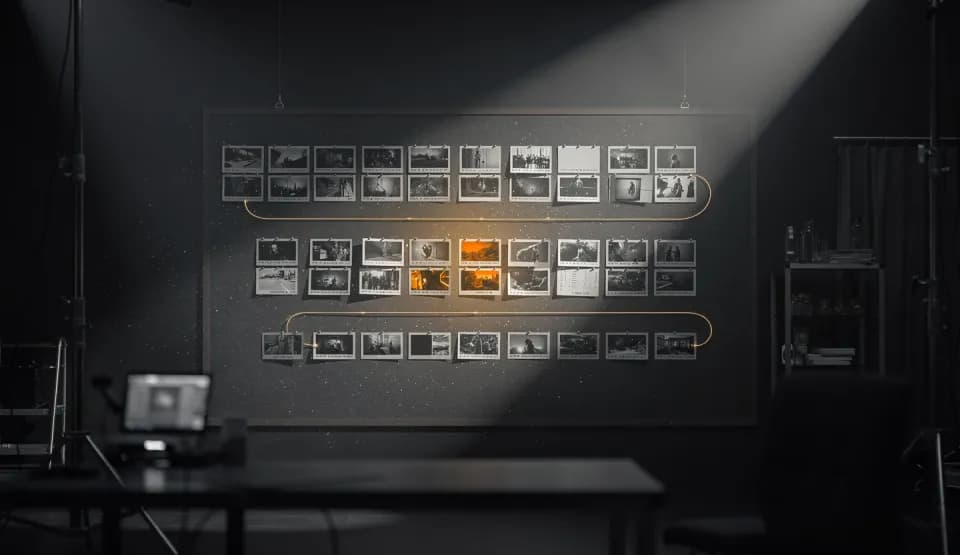
Generate a picture for each scene in one consistent look. Then present the board or export it.
Everything on one board
Script import
Paste a script or import a file. A script can become up to 24 scenes.
Shots and camera moves
Set the shot size, angle and camera move for each scene, from a wide shot to a slow dolly in.
One consistent look
One look ties every frame together. Scene 1 can guide the rest, or you can link characters you trained in My Assets.
Edit, reorder, rewrite
Add, duplicate, lock and reorder scenes. Rewrite any scene with AI.
PDF and ZIP export
Share a PDF with frames, shot details and dialogue, or a ZIP with every frame and the shot list.
Present mode
Play the board full screen, scene by scene, with the dialogue as captions.
Frequently asked questions
Is the storyboard generator free?
Planning is free, and so are rewriting a scene, importing a script and exporting. Only pictures cost credits, and each scene shows its price before you generate.
Can I turn a script into a storyboard?
Yes. Paste a script or import a .txt, .fountain, .md, .fdx or .pdf file up to 5 MB. The planner reads up to 20,000 characters and splits them into up to 24 scenes.
How many scenes can a storyboard have?
An idea is planned into 2 to 12 scenes. A script can become up to 24. You can also add scenes yourself, up to 24 in total.
How do the frames stay consistent?
Every scene shares one look, written once for the whole board. Scene 1 can guide the picture of every other scene, or you can link characters you trained in My Assets.
What can I export?
A PDF with each frame, its shot details and dialogue, or a ZIP with the frames, the shot list and the PDF. You can also copy the shot list as text.
Do I need an account?
Yes. Sign in or create a free account to plan and save storyboards. Only you can open your storyboards.
Planning is free. Pictures use credits.